
Building a Tetris Game with Python with Source Code
Introduction:
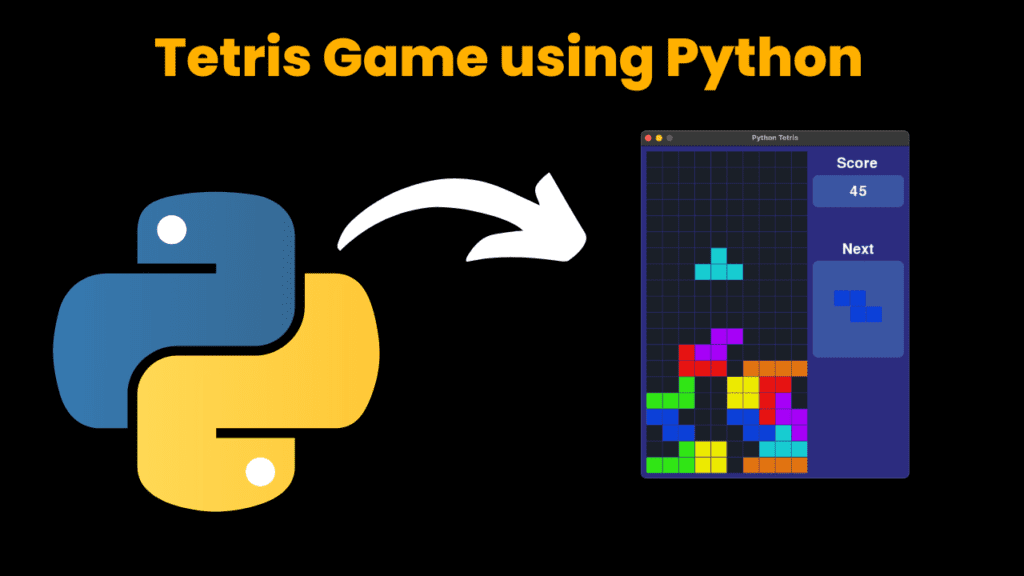
Welcome to the world of Tetris, where falling blocks meet strategic maneuvers and quick thinking. In this blog post, we’re diving into the creation of everyone’s favorite puzzle game using Python.
Tetris has been captivating players since its inception in the 1980s, challenging them to arrange falling tetrominoes into complete lines to clear the board. Now, with the power of Python, we can bring this iconic game to life right on our computer screens.
In this guide, we’ll take you through the step-by-step process of building your own Tetris game using Python. From setting up the game board to implementing the logic for block movement and line clearing, we’ll cover all the essential aspects of game development in Python.
Whether you’re a seasoned developer looking to expand your skills or a newcomer eager to learn the ropes of game programming, this blog post has something for you. By the end of it, you’ll have a fully functioning Tetris game that you can play and even customize to your heart’s content.
So, let’s roll up our sleeves, fire up our favorite code editor, and embark on this thrilling journey of recreating Tetris using the versatile Python programming language. Let the falling blocks and endless fun begin!
Required Modules:
To create a Tetris game in Python using the pygame library, you’ll need to install pygame and have access to the necessary modules. Here’s how you can install pygame and import the required modules:
Install pygame: You can install pygame using pip, the Python package manager. Open your terminal or command prompt and run the following command:
pip install pygameImport necessary modules: Once
pygameis installed, you can import it along with the other required modules in your Python script.
Here’s how you can import pygame, sys, Game class (assuming you have a Game class defined in a file named game.py), and Colors module (assuming you have a Colors module defined in a file named colors.py):
import pygame
import sys
from game import Game
from colors import Colors
Make sure you have the game.py and colors.py files in the same directory as your main Python script or in a directory that is in your Python path. These files should contain the necessary code for your game logic and color definitions, respectively.
With these imports in place, you’re ready to start building your Tetris game using Python and pygame!
How to Run The code:
Here’s a step-by-step guide on how to run the Tetris game from the GitHub repository you provided:
Download the repository:
- Download Folder from Provided Link
- Click on the green “Code” button.
- Select “Download ZIP”. This will download a ZIP file containing the repository to your computer.
- Unzip the downloaded file to extract its contents.
Navigate to the directory:
- Open the extracted folder.
Open the main.py file:
- Inside the extracted folder, you’ll find a file named
main.py. Open this file using your preferred code editor (such as VSCode, PyCharm, or IDLE).
- Inside the extracted folder, you’ll find a file named
Run the game:
- With
main.pyopen in your code editor, locate the “Run” button or option in your editor’s menu. - Alternatively, you can run the game from the terminal or command prompt. Navigate to the directory containing
main.py, then run the following command:python main.py
- With
Play the game:
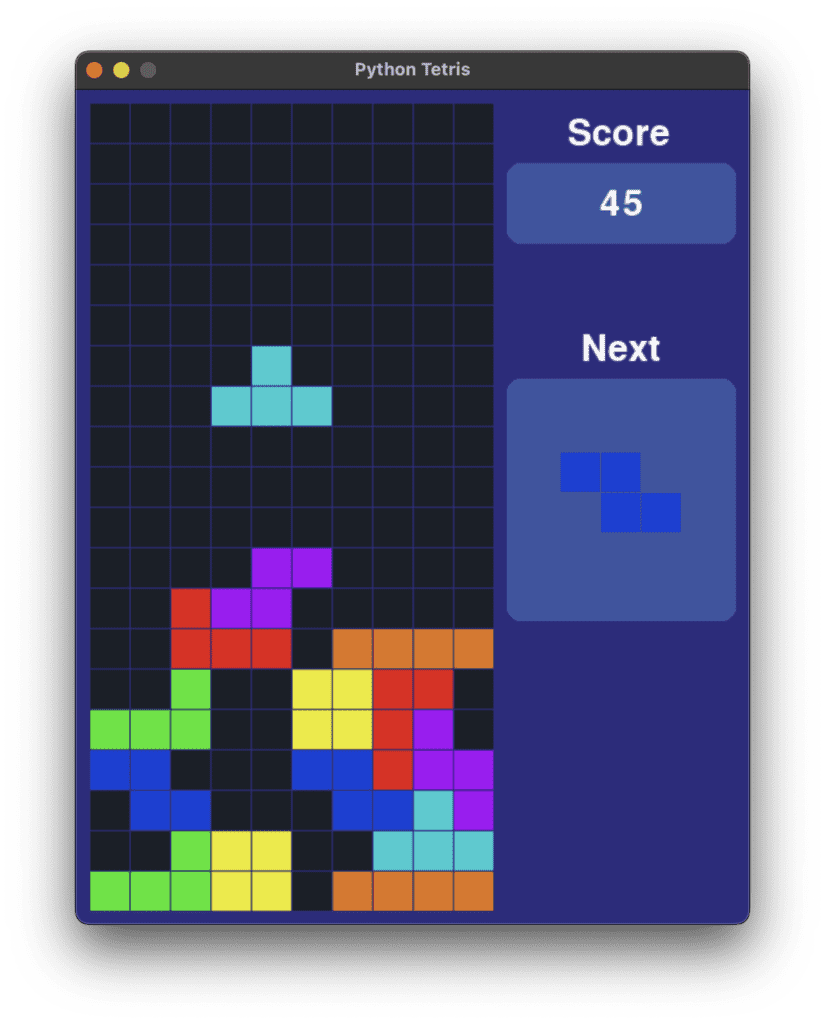
- Once the game is running, you should see the Tetris game window open.
- Use the arrow keys on your keyboard to move the falling Tetris blocks (tetrominoes) left, right, or down.
- Press the “Up” arrow key to rotate the falling tetromino.
- Try to complete horizontal lines to clear them and earn points.
- Keep playing and see how high you can score!
That’s it! You should now be able to run and enjoy playing the Tetris game on your computer. If you encounter any issues or have any questions, feel free to ask!
Get Discount on Top Educational Courses
Source Code:
Output:
More Projects:
URL Shortener Using Python Django
URL Shortener Using Python Django Introduction: Long URLs can be shortened into short, shareable links with the help of the URL Shortener project. Though it
User Authentication System Using Python Django
User Authentication System Using Python Django Introduction: The implementation of safe and adaptable user authentication in Django is the main goal of this project. It
E-Learning System Using JAVA
The E-Learning System using Java with a Graphical User Interface (GUI) Introduction The E-Learning System is developed using Java (with a Graphical User interface through
Weather App Using Python Django with Source Code
Weather App Using Python Django Introduction: When a user enters the name of a city, the Weather App retrieves current weather information. It provides temperature,
Quiz App Using Python Django with complete source code
Quiz App Using Python Django Introduction: Users can take quizzes in a variety of subjects, see their results, and monitor their progress with the Django
Resume Screener in python using GUI
resume screener in python using python introduction The hiring process often begins with reviewing numerous resumes to filter out the most suitable candidates for a
Get Huge Discounts
More Python Projects